How to Display Free Art on Any TV (No Frame TV Needed)

A five-minute guide · works on any smart TV

You don't need a Samsung Frame TV, an art subscription or a single download to hang a painting on your wall. Any TV that runs YouTube can do it: open a long, silent art video, go full screen and leave it running. The picture stays put for hours, and the only thing that moves is the light.

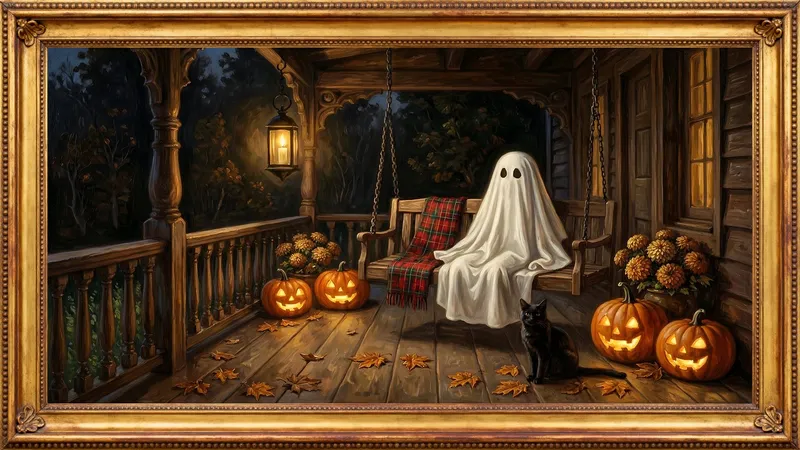
That is exactly what our channel makes: original paintings in 4K, in a gold frame, held on screen for two to ten hours with no music and no narration. Here is how to put one up on whatever TV you have.

Step by step, by TV

  1. Samsung, including The Frame

    Press Home, open the YouTube app (it is under Apps if it is not on the bar), search for Quiet Frame TV and press play. On The Frame, YouTube plays in normal TV mode, not Art Mode; Art Mode only shows still pictures you upload yourself, so a video gives you the moving light without paying for the Art Store.

  2. LG

    Press Home, open YouTube from the app bar, search for Quiet Frame TV and pick a video.

  3. Sony, TCL, Hisense and other Google TV or Android TV sets

    Open YouTube from the home screen, search for Quiet Frame TV and press play.

  4. Roku

    Press Home and open YouTube. If it is not there, add it from Streaming Channels (it is free), then search for Quiet Frame TV.

  5. Amazon Fire TV

    Open YouTube from your apps (or say “Open YouTube” to Alexa), then search for Quiet Frame TV.

  6. Apple TV

    Open the YouTube app, search for Quiet Frame TV and press play.

  7. Chromecast, or casting from your phone

    Open the video in the YouTube app on your phone, tap the cast icon at the top and choose your TV. The phone is free again straight away; the TV keeps playing.

Tips for leaving art on all day

Pick a painting for the season

Every one of these plays free on YouTube.